DeepSeek Harness Desktop Download: Official Installers Found, Plus Setup Guide
DeepSeek Harness Desktop Download: Official Installers Found, Plus Setup Guide
The short version: The official DeepSeek Harness desktop build (v0.1.7-rc.2) is sitting on DeepSeek’s own download server, installable on Windows and macOS (Apple Silicon) — but DeepSeek hasn’t announced anything, and there’s no download entry on the website or GitHub Releases. This is a download + install + avoid-the-pitfalls guide.
What happened
Around September 25, 2026, someone found a new directory on DeepSeek’s official download domain: download.deepseek.com/dsh-desk/. Inside were desktop installers. Version v0.1.7-rc.2 — a developer preview (rc = release candidate).
Community members verified the signatures: the macOS build is signed by Developer ID Application: Hangzhou DeepSeek Artificial Intelligence Co., Ltd and Apple-notarized, with bundle ID com.deepseek.dsh. The signature is genuine, so these are real artifacts from the official build pipeline — not third-party fakes.
But the announcement never came: the Harness page on the website still only documents the CLI (npx @deepseek-ai/dsh web), with no desktop download entry, and GitHub Releases still show zero assets. The situation: downloadable, not announced.
What this app actually is
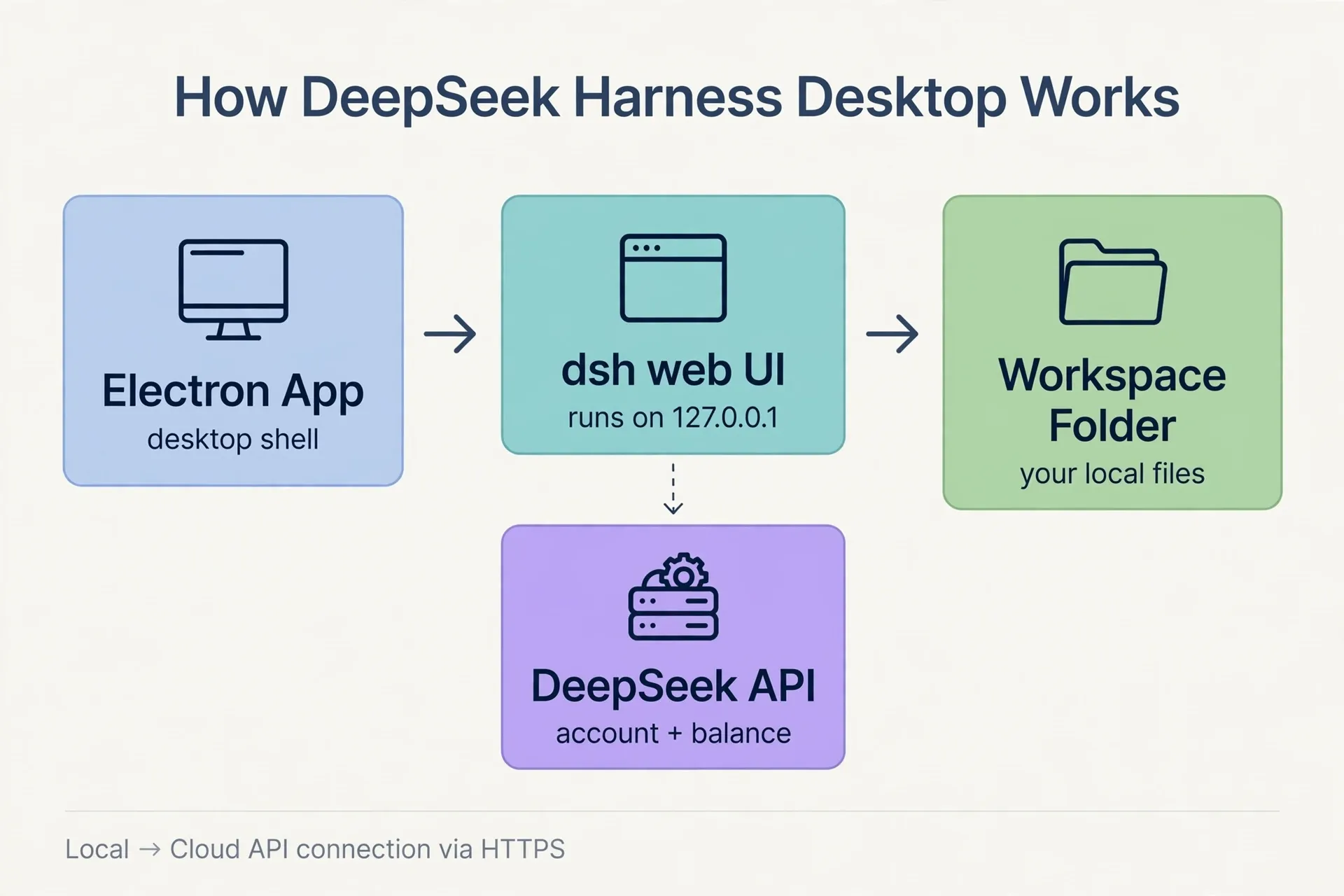
Simply put: an Electron desktop app that wraps the official Harness web UI in a desktop shell. Launch it, sign in with your DeepSeek account or enter an API key, pick a local folder as your workspace — then assign tasks to the Agent like any normal desktop AI app. No need to start the web service manually first.
Download: trust only the official domain
| Platform | Architecture | Size | Download link |
|---|---|---|---|
| Windows | 64-bit | ~300 MB | https://download.deepseek.com/dsh-desk/bin/win-x64/deepseek-harness-0.1.7-rc.2-win-x64.exe |
| macOS | Apple Silicon (M series) | ~370 MB | https://download.deepseek.com/dsh-desk/bin/mac-arm64/deepseek-harness-0.1.7-rc.2-mac-arm64.dmg |
Two reminders:
- Download only from
download.deepseek.com. The community has already produced a pile of third-party “desktop” repackages (various deepseek-harness-desktop repos on GitHub) — unofficial wrappers with unverifiable signatures and origins. Trust the official domain. - These two packages are all that exist. No Intel Mac build, no Linux build — consistent with the official “macOS + Windows” line.
Installation
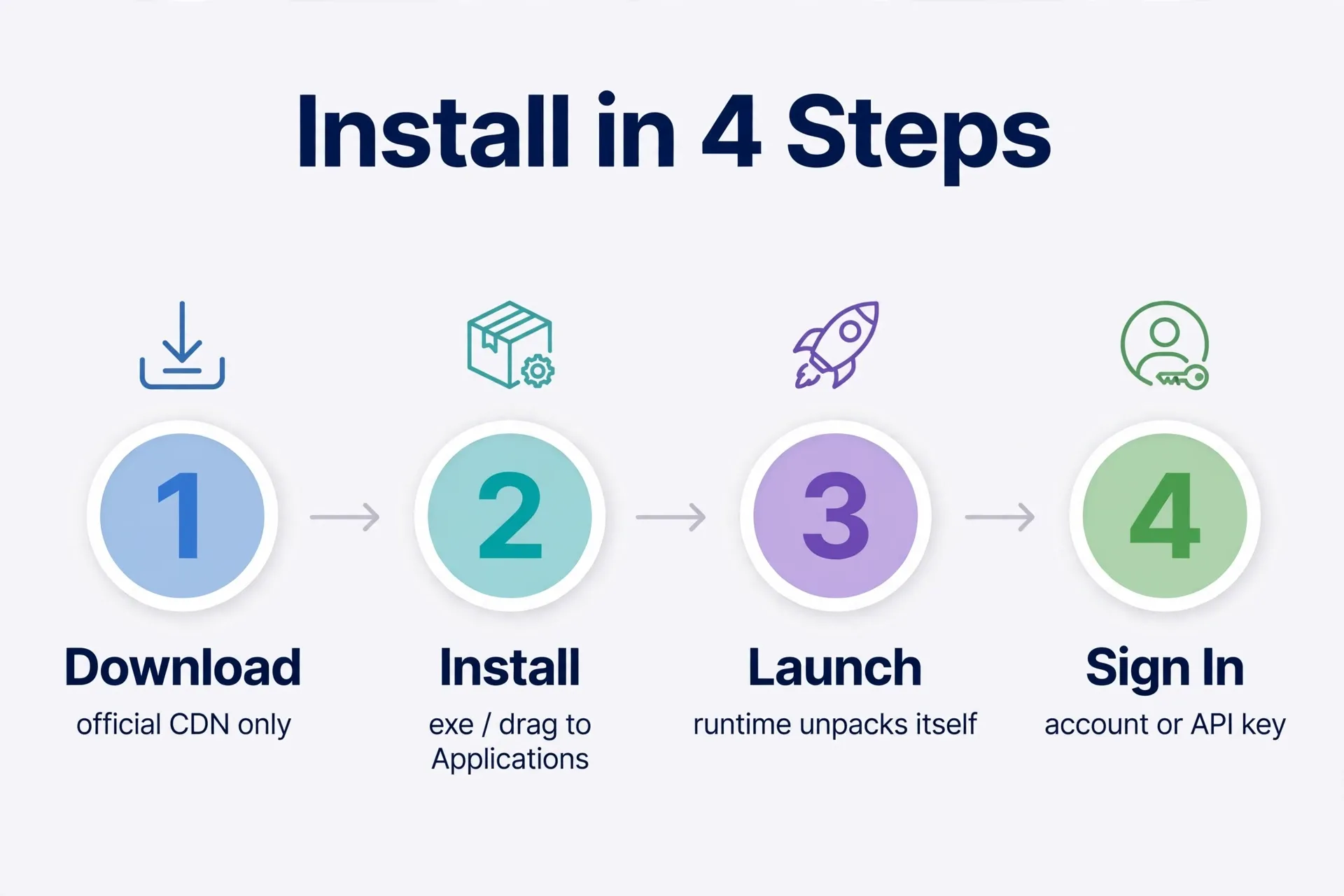
The installers bundle the Node.js, pnpm, and Python runtimes, so you don’t need to set up any dev environment first.
Windows (64-bit)
- Download the
.exeinstaller above (~300 MB). - Double-click and follow the prompts.
- If Windows SmartScreen flags it (unrecognized publisher, etc.), that’s common for preview builds — just confirm the file came from the official domain and continue.
- Launch from the Start menu after install; first launch takes a while to unpack the runtime.
macOS (Apple Silicon)
- Download the
.dmgabove (~370 MB). - Double-click to open, drag DeepSeek Harness into Applications.
- It launches normally on first open — the package is officially signed and Apple-notarized, so Gatekeeper won’t block it.
First launch: sign in and pick a workspace
- Sign in with your DeepSeek account or enter an API key.
- Choose a local folder as your workspace — the Agent operates inside that directory.
- Note: hands-on reports say the account needs available balance or a bound payment method (plus real-name verification for China-region accounts), or the Agent won’t run. Check your account status on the DeepSeek platform before installing.
3 risks to know before trying it
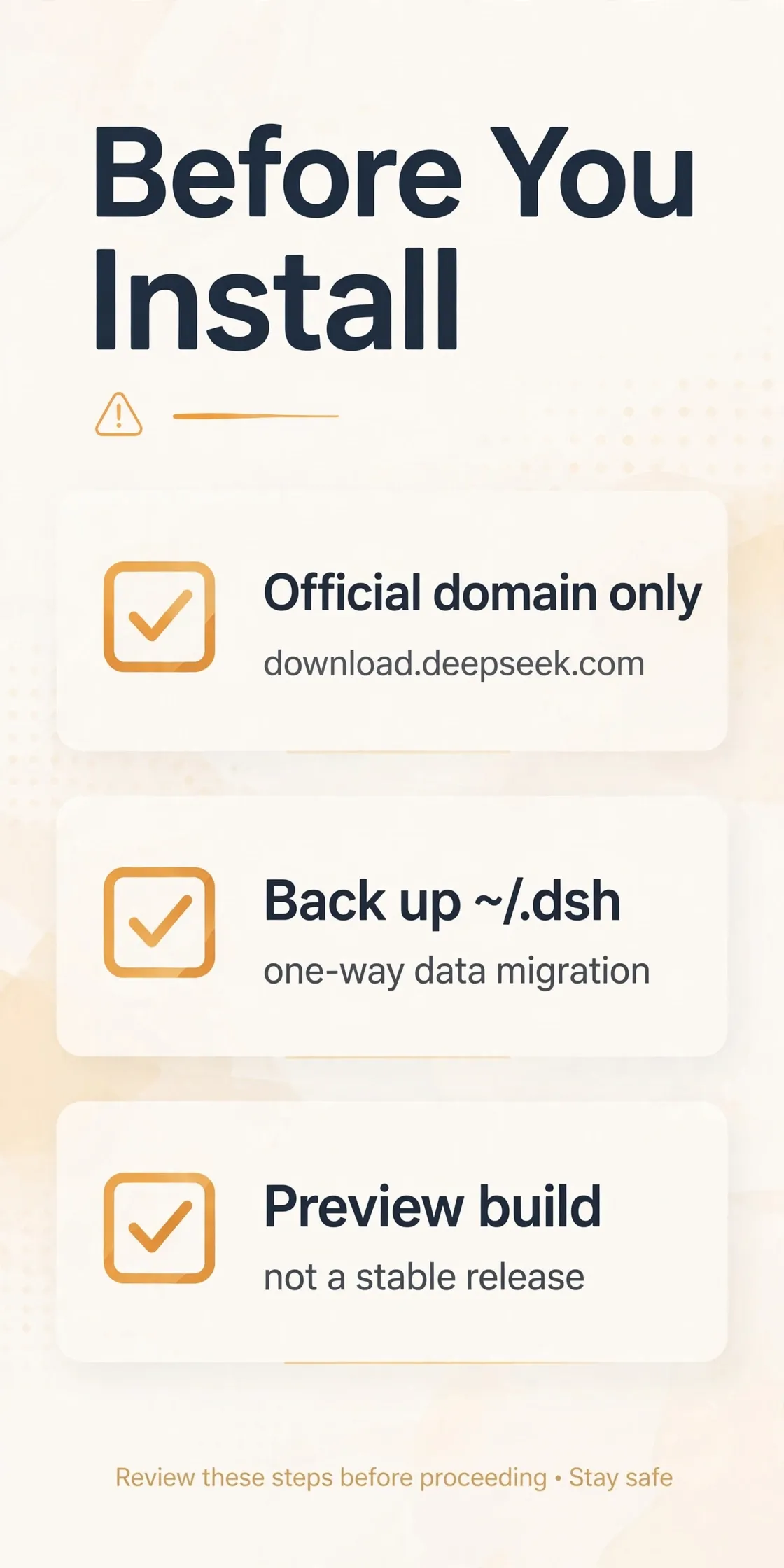
- This is a nightly-channel preview, not a stable release. The rc.2 tag means it’s iterating fast — the built-in updater already hints at newer versions. Fine for trying out; don’t hand it your important work directories.
- 0.1.7 performs a one-time data migration — back up
~/.dshfirst. If you’ve used the CLI Harness before, this version imports and renamessettings.yamland upgrades the session log format. The migration is one-way, so back up~/.dshbefore installing. - Download only from the official domain — skip third-party installers. An AI tool’s installer is the front door to your credentials and code; an unknown origin means handing someone your keys. No matter how convenient a community repack looks, wait for the official announcement.
FAQ
Is this an official release? Not formally. The installers are genuinely signed and hosted on the official CDN, but DeepSeek has made no announcement and there’s no download entry on the site. “Official preview build that leaked” is the most accurate description.
Do I need a DeepSeek account? Yes — sign in with a DeepSeek account or provide an API key. The account also needs available balance.
How is this different from community desktop builds?
Community builds are hobbyist Electron/Tauri wrappers around the @deepseek-ai/dsh npm package. This one comes straight from DeepSeek’s official build pipeline with an official signature. Different league of trust.
Will it cost money? No sign of the desktop app itself being charged, but Agent runs consume your DeepSeek account’s API quota/balance on a pay-as-you-go basis. Check the platform pricing before heavy use.
Can I install it on Linux or Intel Mac? No official packages for those platforms exist right now. Community repacks exist but aren’t official — not recommended.
References
- Cointime flash news: official DeepSeek Harness desktop version leaks (2026-09-25)
- BigGo Finance: desktop preview build analysis — signature points to official release (2026-09-25)
- deepseek-ai/deepseek-harness GitHub Discussion #7667: installer signature and feed analysis by community user overFloweee (2026-09-24)
- deepseek-ai/deepseek-harness official repo:
apps/desktopdirectory and docs
Don't just read it — run the first job this week
Subscribe and get a 7-day validation checklist.
Subscribe free