Jev AI Tutorial: Applying for Waitlist Access, Calling the API, and the Three Primitives
The previous post covered what Jev AI is. This one is hands-on: how to apply for access, install the SDK, get your first call working, and exactly how to write code for the Choice / Score / Noul primitives. All code here is assembled from public information available as of 2026-09-19 — anywhere something doesn’t run or is uncertain, I flag it “pending verification” rather than writing fake code.
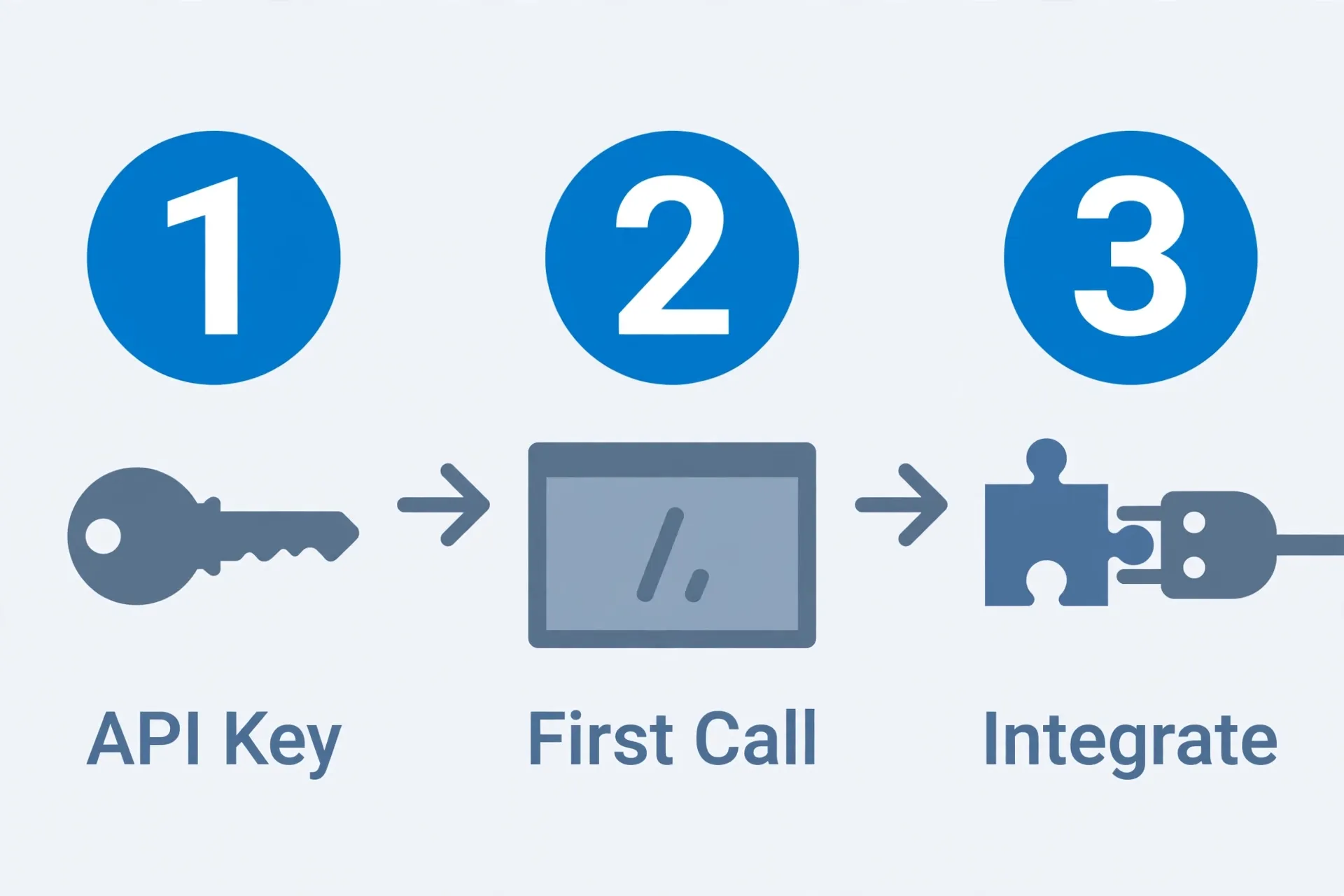
Step 1: apply for the waitlist and get an API key
Jev is currently in early access:
- Go to typesafe.ai and find the waitlist / early-access application. (Pending verification: the approval timeline isn’t published; based on how new model launches usually go, it could be anywhere from days to weeks.)
- Once approved, log into console.typesafe.ai and create and copy your API key from the dashboard.
- Store the key in an environment variable — don’t hardcode it:
export TYPESAFE_API_KEY="your-key-here"Don’t want to wait for the waitlist? typesafe-ai/jev is already available on Vercel AI Gateway — if you have a Vercel account, you can call it through the Gateway directly. (Pending verification: whether Gateway pricing matches calling the API directly — check the Gateway’s pricing page before you rely on it.)
Step 2: install the SDK
Python:
pip install typesafe-sdkNode.js:
npm install @typesafe-ai/sdk(Pending verification: whether the Node package’s import pattern fully mirrors the Python one — the code examples below are in Python; follow the official docs for Node specifics.)
There’s also a plain HTTP option that skips the SDK entirely:
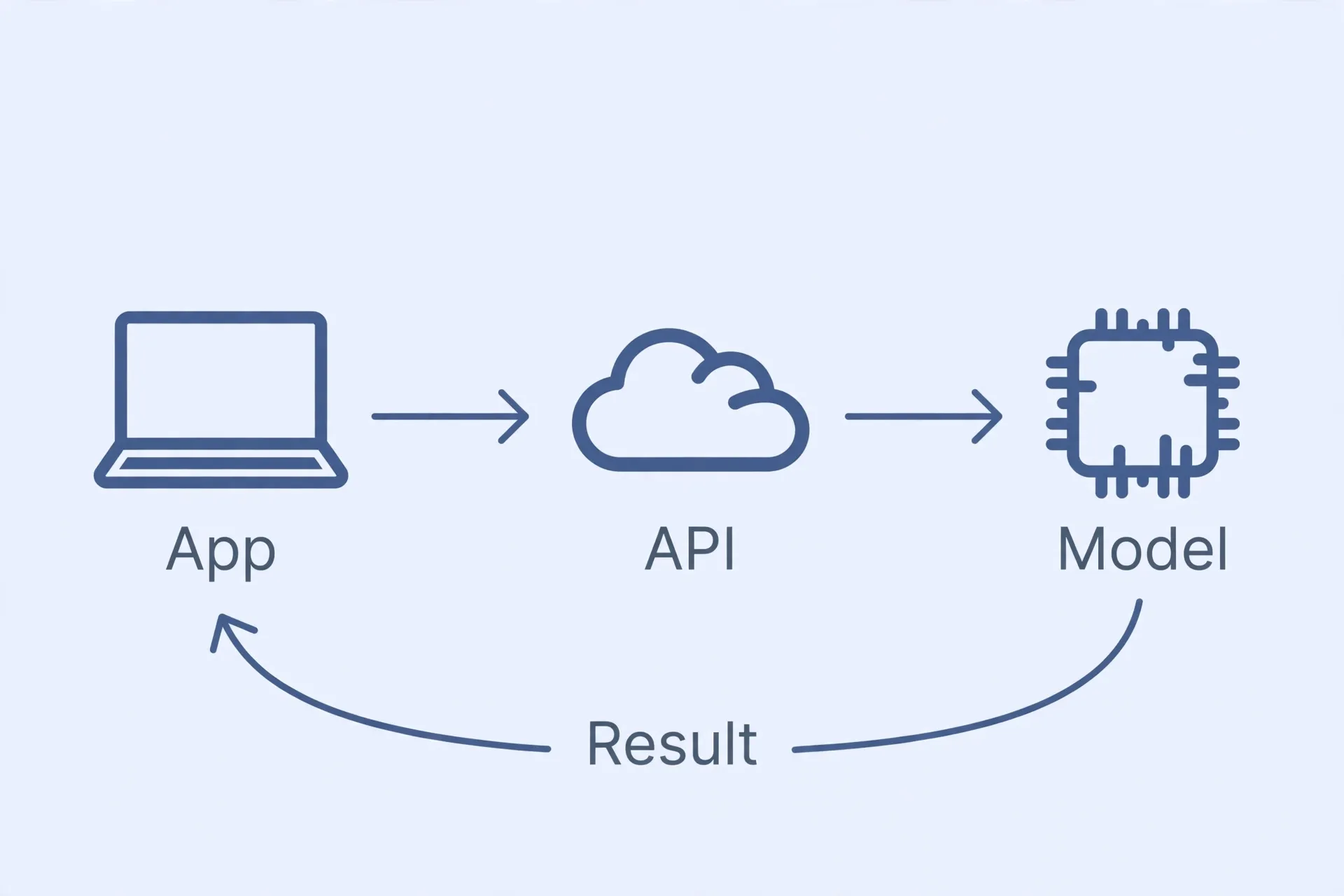
POST https://api.typesafe.ai/v1/systemoneUseful if you want to try it with curl first, or if your language doesn’t have an official SDK. The request body structure mirrors the SDK’s system_one(state=..., questions=...) call.
Step 3: your first call — ticket triage
This is the canonical example from the official docs, and it’s also the scenario the monetization post builds on: one support ticket, three questions, one call.
from typesafe_sdk import Choice, Noul, Score, TypeSafeClient

# The client reads the key from the TYPESAFE_API_KEY environment variable by default
client = TypeSafeClient()

ticket = {
    "message": "I was charged twice for order A-104. Please refund.",
    "plan": "annual",
    "amount_usd": 499,
}

response = client.system_one(
    state=ticket,
    questions={
        # Choice: which team should own this ticket?
        "department": Choice(
            instructions="Which team should handle this request?",
            criteria={
                "billing": "Payment, subscription, cancellation, or refund issue",
                "technical": "Product bug or integration problem",
                "sales": "Pricing or purchasing question",
                "other": "None of the options clearly fits",
            },
        ),
        # Noul: did the customer explicitly ask for a refund? Returns a probability between 0 and 1
        "refund_requested": Noul(
            instructions="Does the customer explicitly request a refund?",
        ),
        # Score: how angry does the customer sound? Returns a score that can land between levels
        "frustration": Score(
            instructions="How frustrated does the customer appear?",
            criteria=[
                "Calm, just stating facts",
                "Frustrated but civil",
                "Very angry, strong language",
            ],
        ),
    },
)

department = response.answers["department"]
print(department.choice)         # e.g. "billing"
print(department.probabilities)  # probability per option, e.g. {"billing": 0.85, ...}
print(department.confidence)     # confidence score

refund = response.answers["refund_requested"].noul  # e.g. 0.92
frustration = response.answers["frustration"].score # e.g. 1.035, can land between levels
Three things to know when reading the response:
choiceis the selected option, andprobabilitiesgives you the probability for every option — look at both, don’t just take the top pick at face value.confidenceis a derived “how sure is it” score computed from the probability distribution. If technical scores 0.84 and billing scores 0.16, confidence might land around only 0.6 — because that remaining 16% is real uncertainty.- Noul has no confidence field, because the returned number between 0 and 1 already is the strength of belief.
A line you need in production (threshold routing):
if department.confidence >= 0.70:
    route_to(department.choice)
else:
    route_to("human_review")  # when it's uncertain, hand off to a human — don't force it
0.70 is just an example threshold — you should tune it against your own labeled data, not copy this number.
The three primitives, in detail
Choice: multiple choice (up to 255 options)
- Usage:
Choice(instructions="...", criteria={"option_key": "one-line description", ...}) criteriais a dictionary — the key is the option name, the value is the description shown to the model. Write clearer descriptions, get more accurate results.- Always add an
otheroption (“none of the above fits”). If you force it to choose from a list that doesn’t cover the actual input, it will pick “the least-wrong wrong answer” — this is a pitfall the official docs explicitly warn about. - Returns:
.choice,.probabilities,.confidence.
Score: rating (2–10 ordered levels)
- Usage:
Score(instructions="...", criteria=["level 1", "level 2", ...]) criteriais an ordered list, low to high, with level 0 being the first item.- The returned
.scorecan land between levels (e.g. 1.035), plus.probabilitiesand.confidence. - Good for: sentiment tiers, lead quality, content risk level — anything that’s genuinely a spectrum.
Noul: yes/no (returns a 0–1 probability)
- Usage:
Noul(instructions="...")— a single sentence stating the claim to evaluate. - Returns
.noul: a number from 0 to 1, representing the probability of “yes.” - Good for: urgency, whether a refund was requested, whether something violates a policy — any binary judgment.
Five patterns you can copy directly
- Support triage: Choice for department + Noul for urgency + Score for sentiment, all three questions in one call.
- Lead scoring: Score a sales lead 1–5, paired with Noul for “is this worth immediate follow-up.”
- Content moderation tiering: Score the risk level, route low-confidence results to a human.
- Agent tool routing: a user’s one-line message comes in, Choice decides which tool to call (each tool’s description is a criterion), then hand the result to an LLM to generate the actual reply — “Jev decides, the LLM speaks.”
- Refund/approval validation: Noul checks “does this meet the auto-refund criteria” — only auto-execute above a threshold, otherwise route to a human.
Pricing: doing the math
- $0.042 per million input tokens, output is free.
- The official Doom demo: real-time decisions at 10Hz, roughly $7 an hour.
- A support-ticket-triage call typically inputs a few hundred to a few thousand tokens — at 2,000 tokens, one call costs roughly $0.000084, meaning 10,000 calls cost less than $1. That’s the basis for its pitch against using an LLM for classification.
(Pending verification: whether the waitlist stage includes any free quota — this isn’t publicly stated, so budget assuming paid pricing for now.)
Failure modes: where it actually breaks
- Picking the wrong valid option: Jev guarantees the output format is valid, not that the pick is correct. Confidence is there to show you “how unsure it actually is” — route low-confidence results to a human.
- A Choice with no
otheroption: when input falls outside what the options cover, it forces a pick anyway. Fix: always includeother. - Distribution drift: input types the model never saw during training can throw off calibrated confidence. Test against your own real data before launch — don’t trust the demo alone.
- Guessing at thresholds: 0.7 or 0.9 needs to come from labeled data. An untuned threshold is effectively no threshold at all.
Debugging tips: check these three things first if your first call fails
- 401/403: check whether
TYPESAFE_API_KEYis actually exported in your current shell (echo $TYPESAFE_API_KEY), and whether the key has a stray leading/trailing space or newline from copy-pasting. - Everything returns
other/ confidence is oddly low: yourcriteriadescriptions are probably too vague, or the input genuinely falls outside your option set — makestatemore specific, or widen the option coverage. - Occasional latency spikes: the official range is 70–500ms, so some jitter is normal; if timeouts persist, check your network first, then consider whether you’re asking too many questions in one call and should split it into two. (Pending verification: the official docs don’t give a specific number for how much extra question count adds to latency.)
FAQ
How long does the Jev waitlist take to approve?
Not publicly stated. If you don’t want to wait, use typesafe-ai/jev on Vercel AI Gateway instead — no waitlist required.
How do I install Jev’s Python SDK?
pip install typesafe-sdk, then in code: from typesafe_sdk import Choice, Noul, Score, TypeSafeClient, with the key stored in the TYPESAFE_API_KEY environment variable.
How is Jev different from an LLM’s structured output feature?
An LLM’s structured output still generates text first, then constrains the format. Jev skips the text-generation step entirely and outputs a typed decision directly — which is why it’s faster (70–500ms) and cheaper (free output), but it can only decide, not generate content.
Can I trust Jev’s confidence score?
It’s a derived “how certain” measure based on the probability distribution — generally more reliable than an LLM self-reporting “I’m confident,” but it can also be thrown off by distribution drift. Always calibrate your production thresholds against your own labeled data.
Can I call it without the SDK?
Yes: POST https://api.typesafe.ai/v1/systemone, with state and questions in the request body, matching the SDK’s structure.
Want to know how to actually turn this capability into income? Read the next post: Making money with Jev: ticket classification, lead scoring, and agent routing.
References
- TypeSafe’s official site — the source for official docs and the early-access application; also the basis for the “Step 1” waitlist application and creating an API key at console.typesafe.ai.
- Jev API, Pricing & Playground | Vercel AI Gateway — the model page for
typesafe-ai/jevon Vercel AI Gateway: model ID, $0.042/M input-token pricing, free output; supports the “don’t want to wait for the waitlist” and “Pricing” sections above. - How to classify, route, and score with Jev and AI SDK | Vercel Knowledge Base — covers the three primitives (choice/score/boolean) as used from the AI SDK side, and their limits (up to 255 options, 2–10 levels), corroborating the “Three primitives, in detail” section above.
Don't just read it — run the first job this week
Subscribe and get a 7-day validation checklist.
Subscribe free